Education Tools Checklist: The Ultimate Must-Have Guide for Success
In today’s fast-paced learning environment, an education tools checklist is essential for students, teachers, and parents alike. Whether you are navigating remote learning, enhancing classroom engagement, or organizing your homeschooling curriculum, having the right tools at your fingertips can make a significant difference. This guide will walk you through the must-have educational tools that empower success, helping you stay organized, motivated, and productive.
Why an Education Tools Checklist Matters
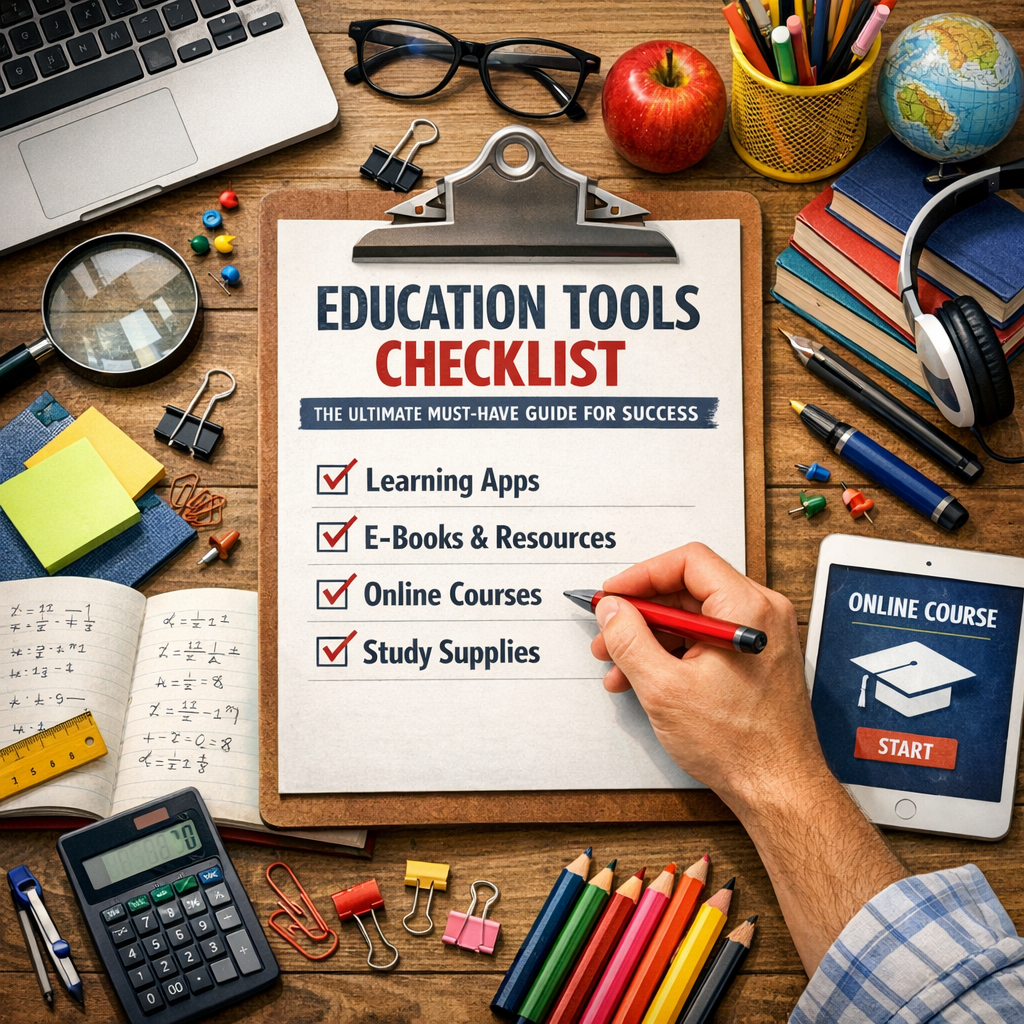
Before diving into the list, it’s important to understand why an education tools checklist is crucial. The sheer volume of available resources—ranging from digital apps to physical supplies—can feel overwhelming. Without a clear plan, you risk inefficient learning, wasted time, or unnecessary expenses.
A well-structured checklist helps:
– Streamline the selection process: Focus on essentials tailored to your specific needs.
– Enhance organization: Keep track of tools and resources for various subjects and activities.
– Boost productivity: Utilize tools designed to improve concentration, time management, and collaboration.
– Adapt to different learning environments: Support face-to-face, hybrid, or online education seamlessly.
With these benefits in mind, let’s explore the top categories and tools you need.
Core Components of an Education Tools Checklist
1. Digital Learning Platforms and Apps
Incorporating technology has revolutionized the way we learn. Digital tools offer interactive content, instant feedback, and personalized learning experiences.
– Learning Management Systems (LMS): Platforms like Google Classroom, Canvas, or Moodle help organize assignments, discussions, and grades in one place.
– Educational Apps: Apps such as Khan Academy, Duolingo, and Quizlet provide engaging lessons in various subjects, reinforcing concepts through quizzes and games.
– Note-taking Tools: Apps like Evernote, OneNote, or Notion are perfect for taking organized notes, saving research, and syncing across devices.
– Time Management Apps: Tools like Forest or Pomodoro timers teach students to focus and manage their study sessions effectively.
2. Physical Supplies and Study Materials
Despite the rise of digital tools, traditional supplies remain vital for many learners.
– Stationery: Quality notebooks, pens, highlighters, and sticky notes allow for effective note-taking and information retention.
– Organizers: Binders, folders, and planners help organize paper documents and schedule time effectively.
– Reference Materials: Dictionaries, thesauruses, and subject-specific textbooks offer reliable offline support.
– Visual Aids: Flashcards, charts, and graphic organizers aid memorization, especially for young learners.
3. Communication and Collaboration Tools
Education thrives on interaction. To foster collaborative learning, choose tools that enable seamless communication.
– Video Conferencing: Zoom, Microsoft Teams, and Google Meet facilitate virtual classrooms, parent-teacher meetings, and group projects.
– Shared Document Platforms: Google Docs and Microsoft 365 allow multiple users to collaborate in real-time.
– Discussion Forums: Platforms like Edmodo or Slack serve as spaces for peer discussions, doubt clearing, and announcements.
4. Accessibility and Support Tools
Inclusive education demands tools that support diverse learning needs.
– Text-to-Speech Software: Programs like NaturalReader or Voice Dream Reader assist students with reading difficulties.
– Screen Readers: Essential for visually impaired learners, options include JAWS and NVDA.
– Language Translation Tools: Google Translate and similar apps help non-native speakers overcome language barriers.
– Adaptive Devices: Specialized keyboards, Braille displays, or other assistive tech enhance accessibility for students with disabilities.
How to Customize Your Education Tools Checklist
Every learner’s journey is unique. To maximize the effectiveness of your education tools checklist, consider these steps:
1. Assess Your Learning Goals: Identify academic objectives and skill areas needing improvement.
2. Evaluate Your Environment: Consider whether you study at home, school, or a hybrid setup.
3. Identify Learning Styles: Visual, auditory, kinetic, or reading/writing preferences influence tool selection.
4. Set a Budget: Prioritize free or low-cost resources before investing in pricey equipment.
5. Test and Adapt: Try different tools and regularly update your checklist based on effectiveness.
Tips for Maintaining Success with Your Education Tools Checklist
– Regular Review: Periodically revisit your checklist to remove tools that no longer serve you and add new ones.
– Stay Updated: Technology evolves quickly; keep an eye out for innovations that may enhance your learning.
– Seek Feedback: Teachers, peers, or mentors can provide valuable insights into what works best.
– Balance Digital and Analog: Don’t rely solely on gadgets—combining digital with traditional methods enhances retention.
Conclusion
An education tools checklist is more than just a list of supplies—it’s a strategic approach to improving the learning experience and achieving academic success. By carefully selecting tools that align with your goals, learning environment, and style, you pave the way for a more organized, engaging, and effective education journey. Whether you’re a student striving to boost performance or an educator aiming to inspire, this ultimate guide will help you build the foundation for success. Stay curious, stay equipped, and watch your educational progress soar.